
AI data-handling controls for supported workflows.
Start with recorded visibility, then configure warn, redact, or block actions for the data categories that matter. Verify each supported workflow before relying on prevention.
Book a 20-minute callA normal workday
A teammate pastes a client update into ChatGPT to turn it into a faster reply.
On a supported, verified path, G.A.I.N. checks content locally and can redact configured identifiers or stop selected high-risk categories according to the active policy.
Policy response
Client data rule
Intended verified-path outcome: configured values are replaced locally before the redacted request continues to the selected AI tool.
How it works
A policy needs a real control behind it.
See the real exposure first
Begin in observation mode to identify the supported AI tools and data categories your teams actually use.
Set a policy that matches the work
Choose the category, action, supported tool scope, and department scope instead of applying one blanket rule to everyone.
Review evidence, not prompt content
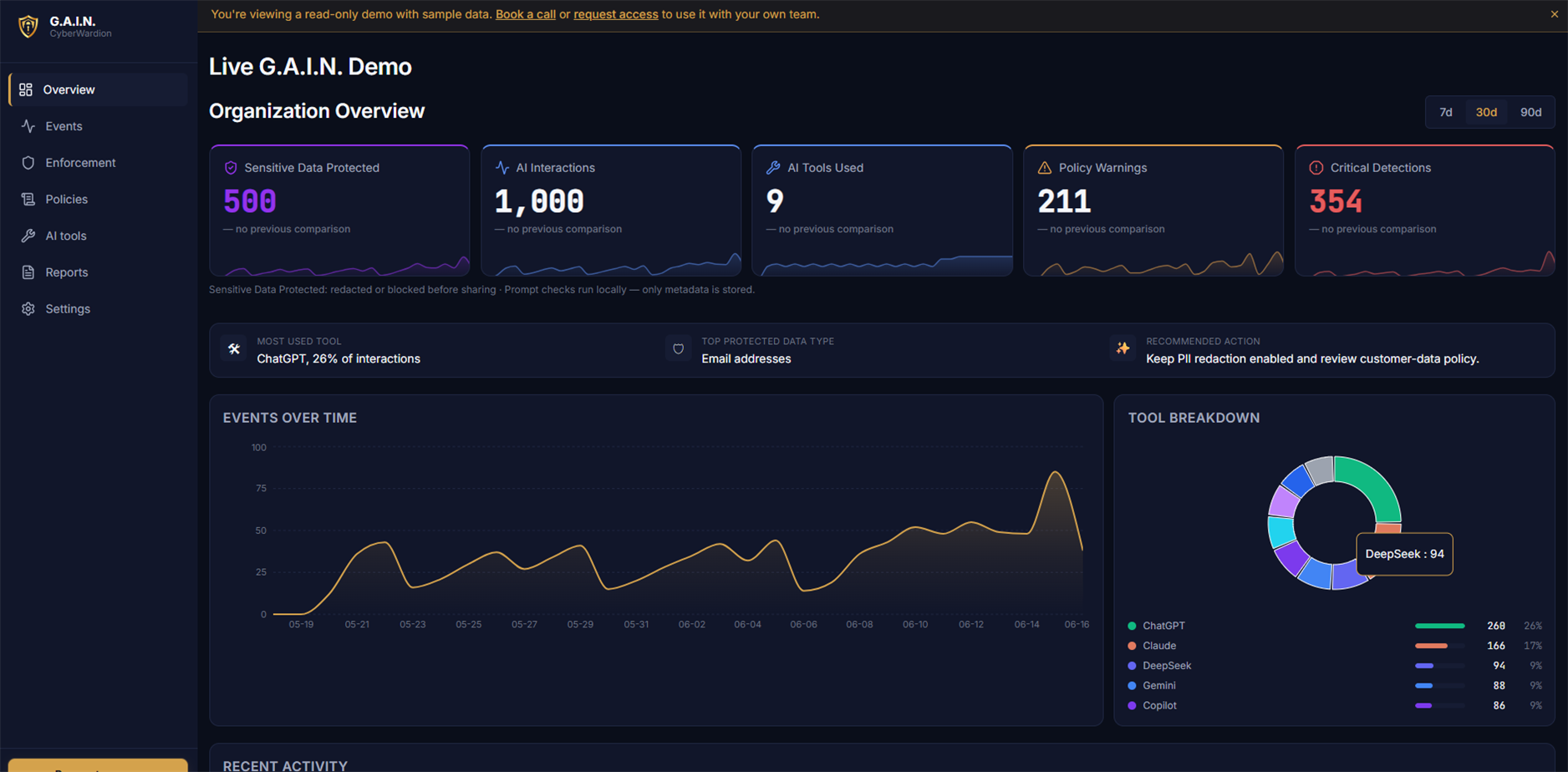
The dashboard records the tool label, category, reported policy action, and time. Pair that event with workflow-specific verification before presenting it as enforcement proof.
Policy actions
Choose the response that fits the risk.
Pause for a deliberate check
Ask the person to review a risky paste when the work may still be appropriate with a safer version.
Remove values, retain context
On a verified redaction path, replace configured values locally before the redacted AI request continues.
Stop data that should not leave
On a verified block path, stop configured high-risk categories before submission through that workflow.
A practical answer when a client asks how AI use is controlled.
G.A.I.N. checks supported content locally and sends event metadata—not prompt or file bodies—to the configured G.A.I.N. backend. If an allowed or redacted request is sent, the selected AI provider may still receive it.
- Tool
- ChatGPT
- Category
- Client data
- Action
- Redact
- G.A.I.N. event record
- Prompt body excluded
Where this applies
- Browser integrations designed for ChatGPT, Claude, Gemini, Microsoft Copilot, and Perplexity; verify the current browser, version, and provider page.
- Configured local coding workflows where the G.A.I.N. Agent is installed.
- Policy actions scoped by category, supported tool, and department.
What it does not claim to do
- It is not a general network DLP product and does not claim to inspect every website or application.
- Desktop protection is assistive foreground clipboard coverage, not desktop app network interception.
- Prompt content is not sent to the dashboard by default.
Questions
Before you put a policy into production.
Can we begin without blocking anyone?
Yes. Teams can begin with log-only or warning policies, review the observed categories, and choose stronger controls after they understand their normal workflows.
Does redaction mean the dashboard receives the original value?
No. Redaction is performed locally. The dashboard receives metadata about the category and action, not the original prompt content.
Does G.A.I.N. replace a DLP or a secrets manager?
No. It adds a control at the moment people use supported AI tools. Existing identity, endpoint, DLP, and secrets-management controls still matter.
See the policy on your real workflow.
In 20 minutes, we can map the AI tools your team uses and show the policy actions that fit them.
Book a 20-minute call