
Apply secret policies to configured Claude Code paths.
Configure local policy actions for supported Claude Code and coding-agent workflows, then verify the hook or route and its fallback behavior before relying on enforcement.
Book a 20-minute callA common developer workflow
A developer asks Claude Code to debug a production error and includes a real connection string.
On a supported, verified coding workflow, G.A.I.N. evaluates the configured policy before submission. A wired hook can still fail open or use a direct path, so require a workflow-specific receipt.
Policy response
Production credentials rule
Intended verified-path outcome: the request is stopped until the sensitive value is removed or replaced with a safe example.
How it works
A policy needs a real control behind it.
Connect the local agent
Install the G.A.I.N. Agent and enrol it with the organization so it can receive the same live policy set as the browser extension.
Apply the right action for the category
Configure a warning for reviewable data, local redaction for selected requests, or a block for credentials and other high-risk content; available actions depend on the integration.
Review the event, not the prompt
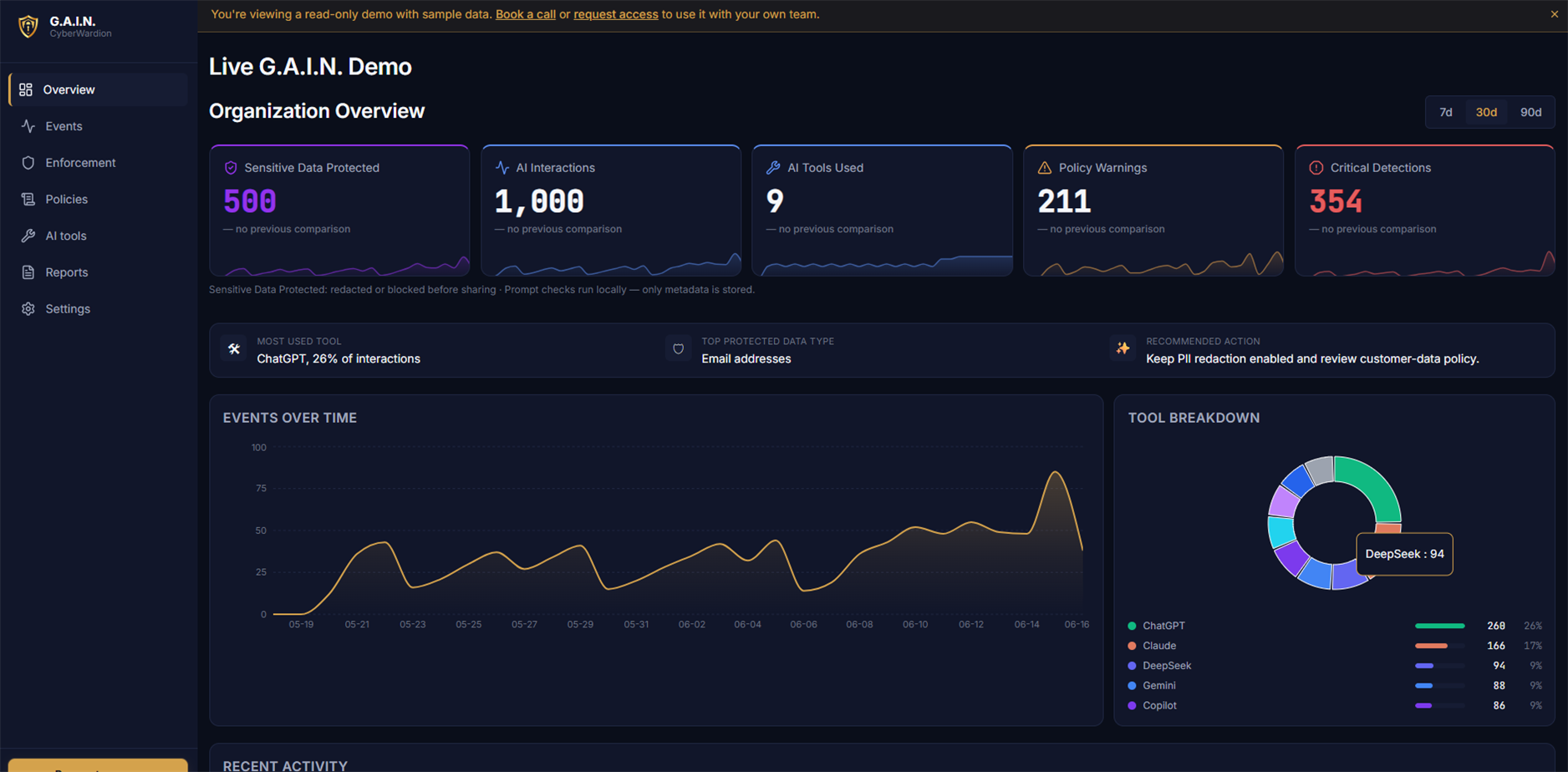
The dashboard records the coding-tool label, policy, reported action, and category. G.A.I.N. backend event records exclude the developer's prompt body.
Policy actions
Choose the response that fits the risk.
Protect secrets that should never leave
On a verified block path, stop configured credentials, private keys, and other high-risk categories before the request proceeds.
Share the debugging context, not the secret
On a verified redaction path, replace matching values locally before the remaining context reaches the coding assistant.
Learn before enforcing
Start with metadata-only observation to understand real workflow patterns before choosing stronger actions.
Useful developer controls without a prompt archive.
A security lead can review a metadata receipt from a supported coding workflow without receiving the code, secret, or prompt body. The receipt's verification scope determines what it proves.
- Tool
- Claude Code
- Category
- Connection string
- Action
- Block
- G.A.I.N. event record
- Prompt body excluded
Where this applies
- Supported coding-agent prompts and configured local workflows through the G.A.I.N. Agent.
- Organization policy sync, including category, action, tool, and department scopes.
- Metadata-only events that distinguish developer tooling from browser AI activity.
What it does not claim to do
- It is not a replacement for a secrets manager, repository scanning, or least-privilege access controls.
- Coverage is limited to supported and configured coding workflows, not every desktop application or arbitrary network request.
- The local agent must be installed, healthy, correctly wired, and verified for the specific workflow; fail-open or direct fallback paths are not enforcement proof.
Questions
Before you put a policy into production.
Does G.A.I.N. replace a secrets manager?
No. A secrets manager controls how credentials are stored and issued. G.A.I.N. adds a control at the point where a developer might accidentally share one with an AI tool.
Will it stop every Claude Code request?
No. The response depends on the organization policy. Teams can use log-only, warning, redaction, or blocking rules for the categories and supported workflows they choose.
Can a security manager read developer prompts?
No. The dashboard is designed to receive event metadata such as the tool, category, action, and timestamp, not prompt content.
See the policy on your real workflow.
In 20 minutes, we can map the AI tools your team uses and show the policy actions that fit them.
Book a 20-minute call